Stop drowning in newsletters
Newsletters arrive on their schedule. Siftdeck queues the articles so you can triage on yours — save what's worth reading, skip everything else.
Sound familiar?
You subscribe to newsletters because they're worth reading. But between issues piling up, links you mean to read later, and a reading list that never shrinks — the reading never happens. Siftdeck gives you a structured way to process what you've signed up for.

The queue. Work through it at your pace.
How it works
Add sources
Paste a newsletter archive URL. Siftdeck detects the pattern and tracks future issues automatically.
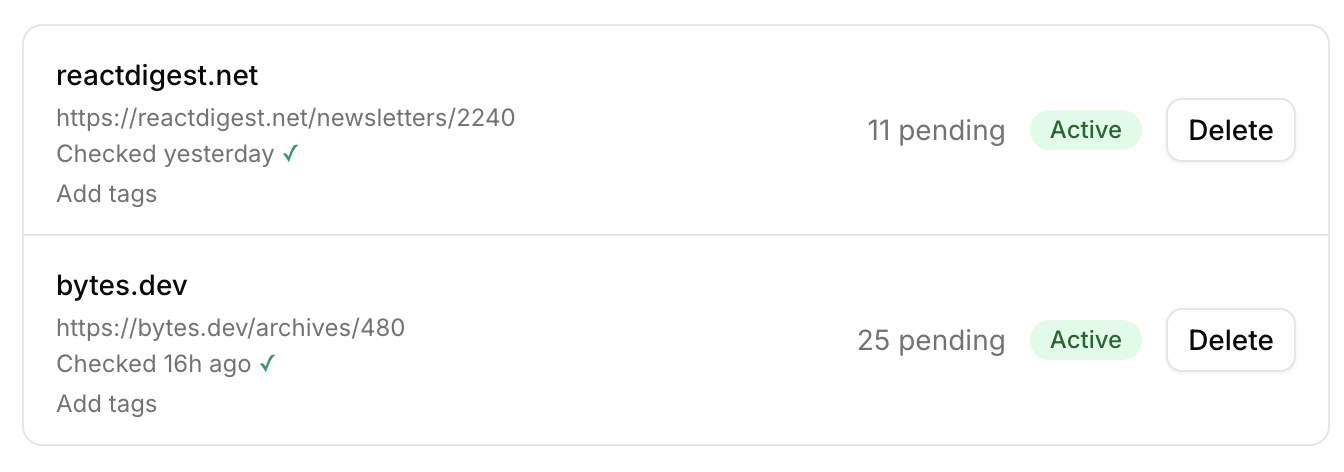
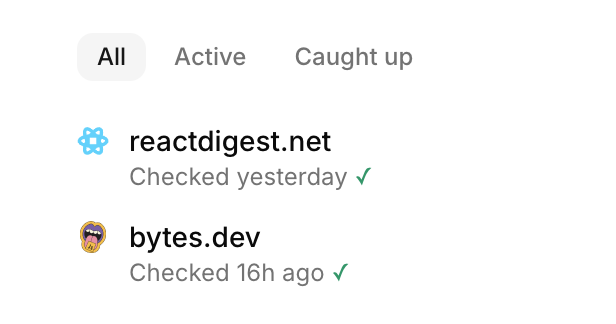
Articles queue up
New issues are fetched in the background. Articles are deduplicated globally so you never see the same link twice.
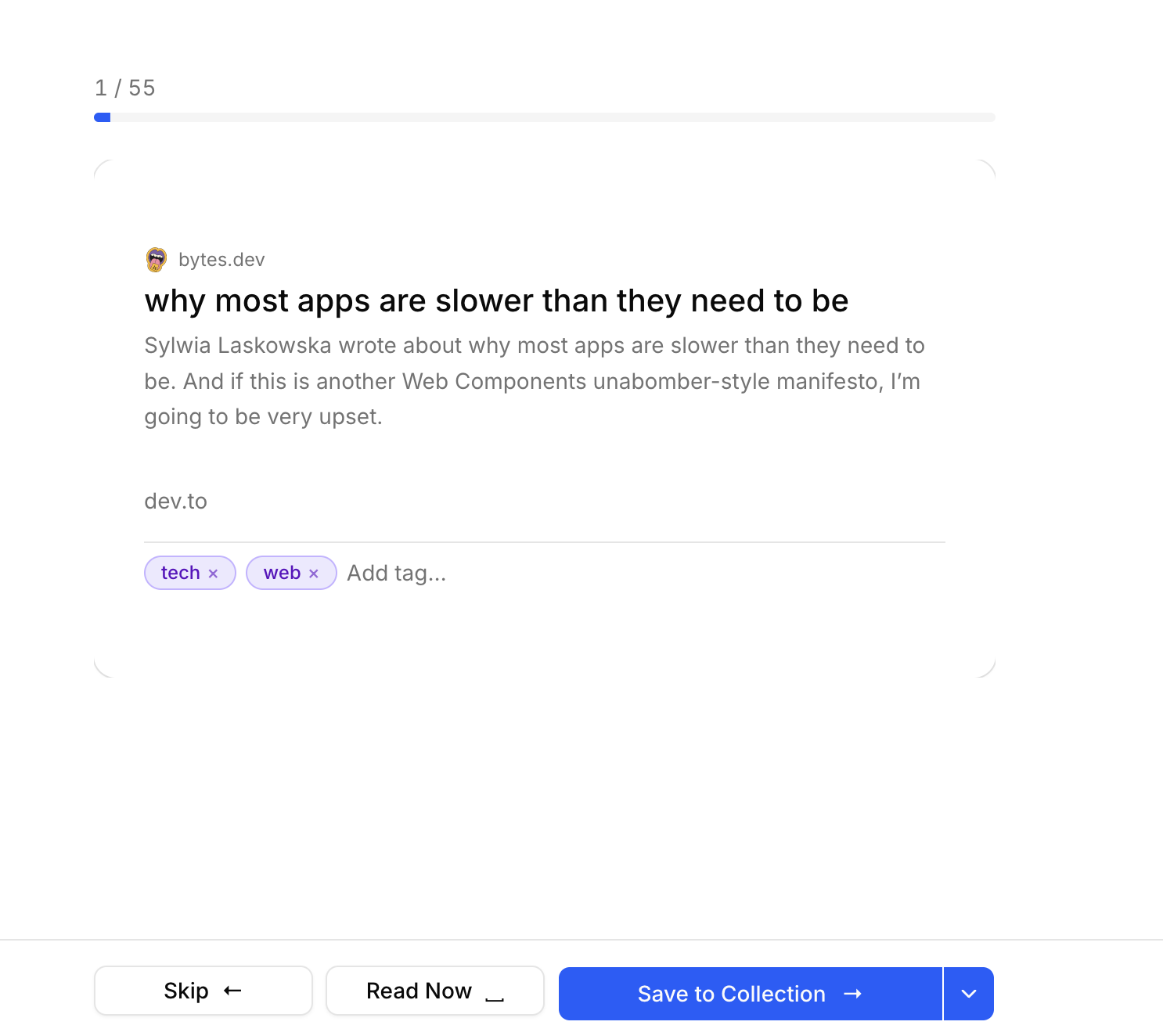
Sift and dispatch
Work through your queue — save to your favourite read-later app with tags, mark as read, or skip. Clean inbox, zero guilt.
Features
Per-source sifting
Drill into a single newsletter when you have five minutes, or sweep everything at once.
Instapaper & Readwise
Save directly to Instapaper or Readwise Reader, with tags. Connect in seconds from Settings.
Your own collection
No external account? Save to your built-in collection and export as Markdown — great for AI tools and personal notes.
Auto-suggested tags
Siftdeck infers relevant tags from article URLs so you spend less time categorising.
Global deduplication
If the same article appears in two newsletters, you only see it once.
“Newsletters are worth reading. The noise isn't. I built Siftdeck so I could stay on top of what I subscribe to and save only the articles I actually want — on my schedule.”
Have questions? See the FAQ →
Stop drowning in newsletters.
14-day free trial. 100 articles included. No card required.
Start free trial